See what fits.
Choose a board and search the pedal library. Move and rotate gear in a top-down view using real product dimensions, or enter the size of your own equipment.
 Pedal Canvas
The online guitar pedalboard planner
Make room for your sound. Arrange pedals to scale, find a home for your power supply, and work out your layout before you build.
Start planning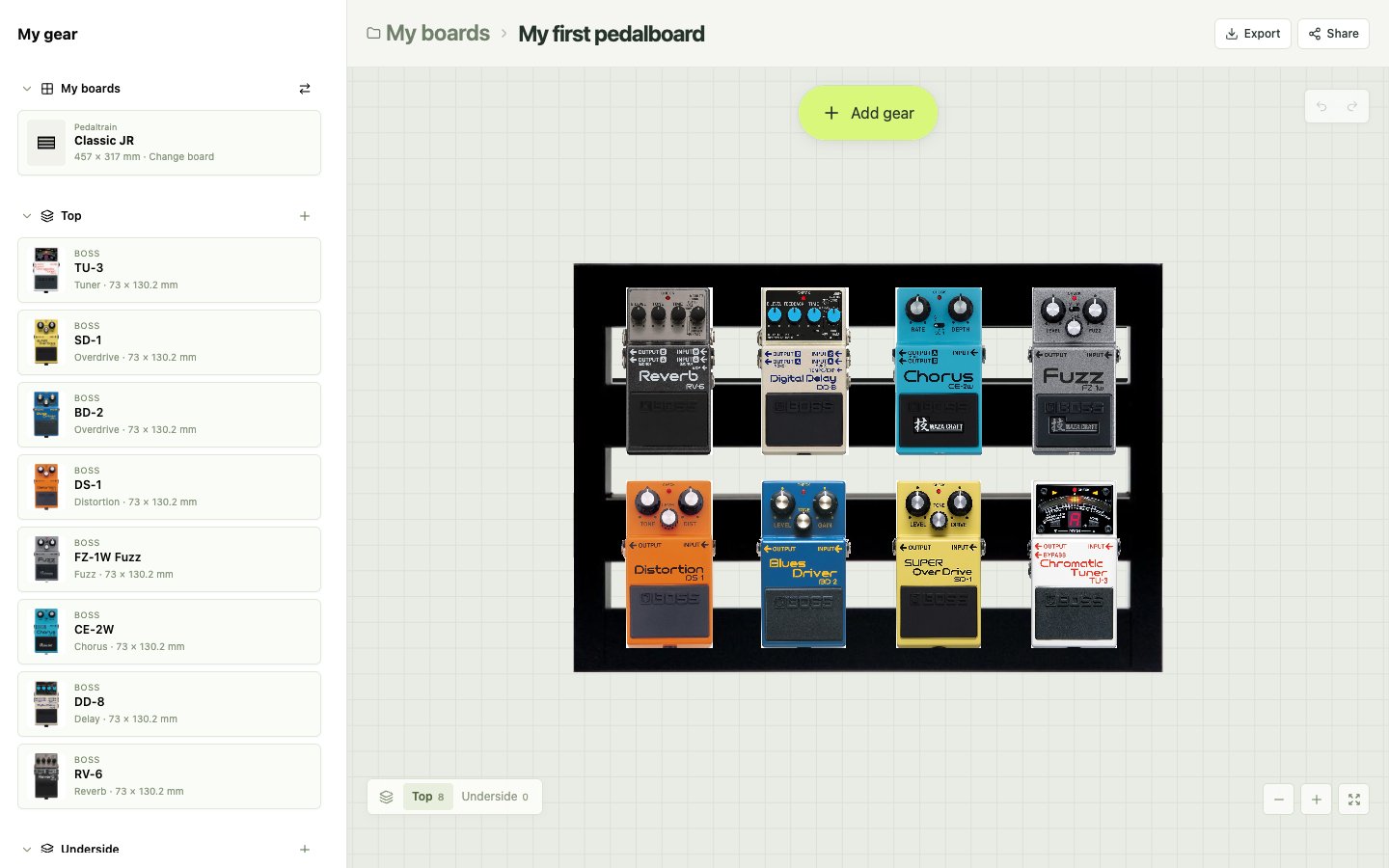
Built for the details
Choose a board and search the pedal library. Move and rotate gear in a top-down view using real product dimensions, or enter the size of your own equipment.
Switch to the underside to plan your power supply placement. Check available height and review power assignments for pedals with known specifications.
Save multiple boards in your browser. Try another arrangement, undo a change, and export your layout as an image or a board file to keep.
From idea to layout
Start with the gear you have.
Leave room for what comes next.
Pick a model from the board library or set your own width and depth.
Add your pedals and power supply. Drag, rotate, and compare arrangements above and below the board.
Your workspace saves in this browser. Download a board file for backup or share an image of your plan.
Before you plug in
Pedal Canvas lets you arrange guitar effects pedals on a scaled board before buying or mounting your gear. Compare layouts, check available space, and plan where your power supply will go.
No account or installation is needed. Open the planner in your browser and start arranging. The editor is available in English and Korean.
Your boards are saved locally in this browser, not synced to an account. Export a board file to back up your work or move it to another browser. Clearing browser storage can remove saved boards.
Yes. Add custom equipment and enter its dimensions to include it in your layout.
The planner uses product dimensions to help you check space. Leave room for plugs, cables, mounting hardware, and your foot. Board geometry and underside clearance are approximations, so check the physical measurements before mounting gear.
Yes. Export a layout image to show your setup, or export a board file that can be imported into the planner for further editing.
Your next setup starts here